
Geofencing vs. Google Ads Targeting: Where to Spend Your Ad Budget?
TL;DR:
- Direct answer: Google Ads Search campaigns capture people actively searching for what you offer right now; geofencing reaches people based on real-world physical location and behavior, regardless of whether they’re searching. Most local businesses benefit from using both rather than picking one.
- Google Ads location targeting is radius- and business-location-based, priced per click, with no minimum spend requirement.
- Geofencing can draw true custom polygon boundaries (Google Ads can’t), is priced per impression or per verified visit, and typically requires a $850–2,500+/month minimum through a managed or self-serve platform.
- The right split depends on your business type: high-intent, high-search-volume categories lean Google Ads; foot-traffic-dependent, event-based, or competitor-proximity plays lean geofencing.
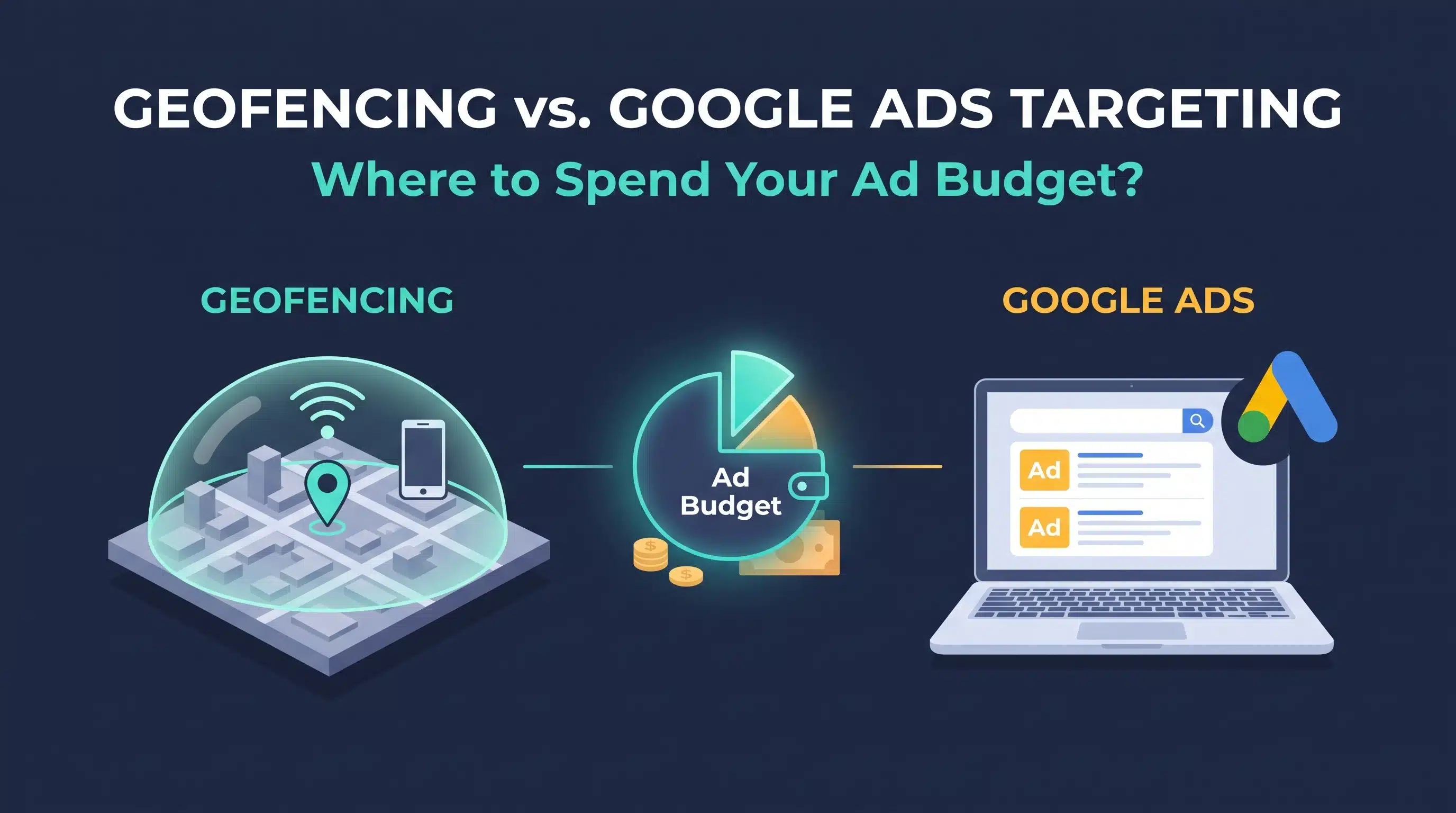
This comparison gets asked backwards more often than not, as if geofencing and Google Ads location targeting compete for the same job. They don’t. Google Ads Search campaigns target intent: someone actively typing a search query. Geofencing targets location and behavior: someone physically near a place, regardless of whether they searched for anything at all. The real question isn’t which one wins, it’s how to split a limited budget between two tools solving different problems.
Here’s the actual breakdown: what each one costs, where each one wins, and a framework for deciding your split. Our local SEO and paid media team builds this exact allocation for location-based businesses.
Get a Free Local Ad Budget Recommendation →
What Is Geofencing?
Geofencing draws a virtual boundary around a real-world location (a store, an event, a competitor’s parking lot) and serves ads to mobile devices that enter it, using GPS and location data rather than search behavior.
- Targeting precision: true custom polygon geofences (Google Ads can’t do this; it’s limited to radius and location-asset targeting)
- Cost model: typically CPM-based ($3.50–15 for display, $15–25 for video, $20–50 for connected TV), with some platforms offering cost-per-verified-visit pricing instead
- Minimum spend: self-serve platforms can start near $0; managed campaigns typically start around $850–2,500/month; enterprise DSPs often require $10,000–20,000+/month
- Best suited for: businesses with a physical location where proximity signals real purchase intent, such as retail, restaurants, events, multifamily properties, and local services
What Is Google Ads Location Targeting?
On Google Ads Search campaigns, location targeting shows your ads to people actively searching, filtered by geography: a radius around a location, specific cities or regions, or targeting around your business locations using location assets. Display, YouTube, Demand Gen, and Performance Max campaigns can use the same location settings to reach people who haven’t searched, though without the polygon precision or visit-based targeting of dedicated geofencing platforms.
- Targeting precision: radius and administrative-area based; no true polygon geofencing capability
- Cost model: primarily cost-per-click, with pricing driven by keyword competition and Quality Score, not a fixed CPM
- Minimum spend: no platform-level minimum, so budgets can start at whatever daily amount you set (see whether $10 a day is enough for what a small budget can realistically do)
- Best suited for: capturing existing demand from people actively searching for your product or service right now
To see where your ads actually appeared compared with where you targeted, the Google Ads location report breaks it down by location.
Key Differences: Side by Side
| Geofencing | Google Ads Targeting | |
|---|---|---|
| What triggers the ad | Physical presence inside a defined boundary | An active search query on Search campaigns; location and audience signals on Display, YouTube, Demand Gen, and Performance Max |
| Boundary precision | True custom polygons | Radius or business-location (location asset) targeting only |
| Pricing model | CPM or cost-per-verified-visit | Cost-per-click |
| Typical cost range | $3.50–50 CPM depending on format | Varies by keyword competition and industry |
| Minimum monthly spend | ~$850–2,500+ for managed campaigns | None. Scalable to any daily budget |
| Captures existing search demand? | No | Yes. This is its core strength |
| Reaches non-searching nearby audiences? | Yes. This is its core strength | Not on Search. Display, YouTube, Demand Gen, and Performance Max can reach people who haven’t searched |
When Geofencing Wins
- Event-based marketing: reaching attendees at a conference, festival, or sporting event while they’re physically present
- Competitor-proximity targeting: serving ads to people who just visited a competitor’s location nearby
- Foot-traffic-dependent businesses: restaurants, retail, and services where physical proximity strongly predicts purchase likelihood, even without an active search
- Categories with low or no branded search volume: where there simply isn’t enough search demand to capture with Google Ads alone
When Google Ads Wins
- High-intent, high-search-volume categories: where people are actively typing exactly what they need right before they buy
- Budget-constrained businesses: no platform minimum means you can start and scale spend incrementally, unlike most managed geofencing platforms
- Service areas without a strong single physical location: businesses that serve a broad radius rather than driving traffic to one storefront
- Immediate, measurable click-based conversion tracking: Google Ads’ attribution is generally more straightforward than geofencing’s foot-traffic-based measurement
Can You Run Both at Once?
Yes, and for most local businesses with the budget to support it, this is the most effective approach, not a compromise between the two. Google Ads captures the demand that already exists; geofencing creates additional touchpoints with people who haven’t searched yet but are physically positioned to become customers. They’re complementary layers of the same local strategy, not competing line items fighting for the same dollar.
A Framework for Splitting Your Budget
- Check your existing search volume first: if people are already searching for your service in meaningful volume, Google Ads should get the larger initial share. You’re leaving active demand on the table if it doesn’t
- Layer in geofencing once Google Ads is stable: add geofencing as a second channel once your search campaigns are optimized, rather than launching both simultaneously with no baseline
- Weight geofencing higher for event-driven or competitor-proximity plays: these tactics have no equivalent inside Google Ads, so budget dedicated to them isn’t cannibalizing search spend
- Respect the platform minimums: don’t spread $500/month across both channels if geofencing’s managed minimum alone is $850. Underfunding either channel below its effective floor wastes the spend entirely
- Set a 4–6 month evaluation window for geofencing specifically: it typically takes this long to move from data collection to a clear performance pattern, longer than most Google Ads campaigns need to show signal
Measurement and Attribution Caveats
Geofencing attribution has gotten harder, not easier, in recent years. iOS privacy changes have limited device-level tracking that geofencing platforms historically relied on. In practice, this means leaning on foot-traffic lift and cost-per-visit metrics rather than expecting the same click-level precision Google Ads provides, which is why accurate analytics and conversion tracking matters for both channels. Any platform promising perfect 1:1 attribution for geofencing in 2026 isn’t being fully straightforward about current tracking limitations.
Where Should You Actually Spend?
If you can only fund one channel right now, and people are already searching for what you offer, start with Google Ads. It captures demand that’s already there and has no minimum spend barrier to entry. Add geofencing once that foundation is working and you have budget for a second channel, prioritizing it specifically for event-based, competitor-proximity, or low-search-volume scenarios where it has no direct substitute.
Key Takeaways
- They solve different problems, not the same one: intent capture vs. proximity-based reach
- Google Ads has no spend minimum; geofencing usually does. Factor this into how you split a small budget
- Geofencing needs 4–6 months to show a clear pattern, longer than most Google Ads campaigns
- Running both is normal, not redundant, for businesses with the budget to support it
Frequently Asked Questions
1. Geofencing vs. Google Ads targeting: where should I spend my ad budget?
If people are already actively searching for your service, prioritize Google Ads first since it has no spend minimum and captures existing demand. Add geofencing once that’s stable, especially for event-based, competitor-proximity, or low-search-volume scenarios geofencing handles that Google Ads can’t.
2. Can Google Ads do true geofencing?
No. Google Ads location targeting is limited to radius and location-based targeting. It cannot draw a true custom polygon boundary the way dedicated geofencing platforms can.
3. Is geofencing more expensive than Google Ads?
It depends on the comparison point. Geofencing typically requires a platform minimum spend ($850–2,500+/month for managed campaigns), while Google Ads has no minimum, but per-click costs in competitive Google Ads categories can also add up quickly.
4. How long before geofencing shows results?
Plan for roughly 4 to 6 months. The first couple of months are largely data collection, with clearer performance patterns typically emerging by months three through six.
5. Does iOS privacy affect geofencing accuracy?
Yes. iOS privacy changes have limited the device-level tracking geofencing platforms previously relied on, making foot-traffic lift and cost-per-visit more reliable measurement approaches than expecting perfect click-level attribution.
6. Should a business with no physical storefront use geofencing?
Generally no. Geofencing’s core value depends on physical proximity signaling intent, which doesn’t apply to a business without a location or event to draw a boundary around. Google Ads is typically the better fit here.
7. Can I run geofencing around a competitor’s location?
Yes, this is a common and often effective tactic: drawing a geofence around a competitor’s storefront to reach people who’ve just visited them, something Google Ads location targeting has no direct equivalent for.
8. What’s the minimum budget to try geofencing?
Self-serve platforms can start near $0, but realistic managed campaigns generally start around $850–2,500/month depending on the platform and number of target locations.
Not Sure How to Split Your Local Ad Budget?
Get a free recommendation on how to allocate your budget between search and location-based targeting based on your specific business and market.
(877) 522-7738
Blogs
Enterprise SEO: How Large Websites Can Scale Rankings Effectively
Large websites don’t win by fixing pages one at a time. Learn how enterprise SEO scales rankings through crawl control, template fixes, safe content scaling and AI search readiness.
How to Customize Sales Popups on Shopify to Match Your Brand
Learn how to customize sales popups on Shopify to match your brand, from colors, fonts, and position to message text, timing, and mobile testing.
How Shopify Sales Notifications Help Build Social Proof and Increase Sales
Learn how Shopify sales notifications build social proof, reduce shopper hesitation, and support sales, plus best practices and how to add them to your store.
Franchise SEO Challenges and How Multi-Location Brands Can Overcome Them
Franchise SEO is mostly a coordination problem. See the 10 challenges multi-location brands face, from duplicate location pages and listing drift to profile ownership and AI search, and how to fix each one at scale.
Google Ads Benchmarks 2026: What the Numbers Actually Mean for Your Account
Google Ads Search averages for 2026 are a 6.64% CTR, $5.42 CPC, 8.18% conversion rate and $66.69 cost per lead. Learn how to find your break-even CPL and which metric is holding your account back.
Best Shopify Sales Popup Apps to Boost Customer Trust and Conversions
Compare seven Shopify sales popup apps on features, customization, pricing, and ease of use, and learn how to pick one that builds trust without guesswork.
Franchise vs Enterprise Digital Marketing: Key Differences & Best Practices
Franchise and enterprise marketing both manage many locations under one brand, but they run on different rules. See who controls the budget, brand and data in each model, and the best practices that work for both.
How to Add a Shopify Sales Popup: Step-by-Step Guide
Learn how to add a Shopify sales popup in seven steps. Pick an app, set display rules, test on mobile, and track whether it works, with no coding needed.
Google Partner Rewards Store Not Working? We Hit a Redirect Loop, and Here’s What to Do
Stuck in a Google Partner Rewards Store redirect loop? Discover the exact causes behind the login bug and practical troubleshooting steps to redeem your partner points.
GloriaFood Is Shutting Down: Your 7-Step Plan and a Replacement to Try
With Oracle discontinuing GloriaFood, restaurants must plan ahead: explore a 7-step migration blueprint, data export tips, and top online ordering replacements.
Best Shopify Image Optimization Apps: How to Choose the Right Tool for Your Store
Learn what to look for in a Shopify image optimization app, the main types of tools, how to compare apps fairly, and the mistakes to avoid when choosing the right one.
Shopify Image Optimization Checklist: What to Do Before and After Uploading Product Photos
Use this Shopify image optimization checklist to prepare product photos before you upload, finish the job after, avoid common mistakes, and handle large catalogs in bulk.
Beehiiv Newsletter Platform: Pricing, Features, and Monetization Tools
Explore the beehiiv newsletter platform to streamline your communication and engage with your audience effectively.
Shopify Core Web Vitals and Images: How to Find and Fix Image-Related Speed Issues
Learn how images affect Shopify Core Web Vitals, how to find image-related speed issues, the most common mistakes, and how to fix them, including for large product catalogs.
Shopify Fake Cart Bot Attack: What Stopped 500+ Fake Carts an Hour (and a Script We Can’t Rule Out)
A client’s Shopify store was hit with 500+ fake carts an hour, and captchas, rate limits and bot apps didn’t stop it. Here’s why the traffic bypassed our security, the one fix that worked, and a third-party script lead we’re still tracing.
Getting information about your case and your options is your FIRST move. Get a FREE case evaluation now…
Find Yourself a Marketing Expert Near You!
(877) 522-7738