
Smith.ai Cost & Pricing 2026: What’s Included and What Isn’t
TL;DR:
- What it is: Smith.ai's AI Receptionist is a 24/7 AI-powered call answering service, backed by a live human network, that qualifies leads, books appointments, and syncs with your CRM.
- What it costs: Free forever for 25 calls/month, then $150/month on Pro for 75+ calls, and from $500/month on Enterprise for 300+ calls, with the per-call rate improving as your volume grows.
- How it's priced: Usage-based, not a flat subscription. Your real bill is your base fee plus whatever calls you use, so understanding the per-call math at your own volume matters more than the headline price.
- Who it's for: Any business that wants professional, always-on call answering without hiring staff, and wants to see the real cost before committing to it.
Most businesses shopping for call answering software run into the same wall: the pricing page shows a clean "starting at" number, but nobody tells you what you'll actually pay once real call volume hits. Smith.ai's AI Receptionist is priced per call rather than as a flat subscription, which means your bill scales with how busy you actually are, not a number picked in advance. That's good news if you're a lean, low-volume business, and it's something worth mapping out carefully if you're not.
Below, we break down exactly what each tier includes, how the per-call rate moves as you scale, and what your realistic monthly cost looks like against the alternative most businesses are actually weighing: hiring someone.
What Is Smith.ai and How Does Its Pricing Work?
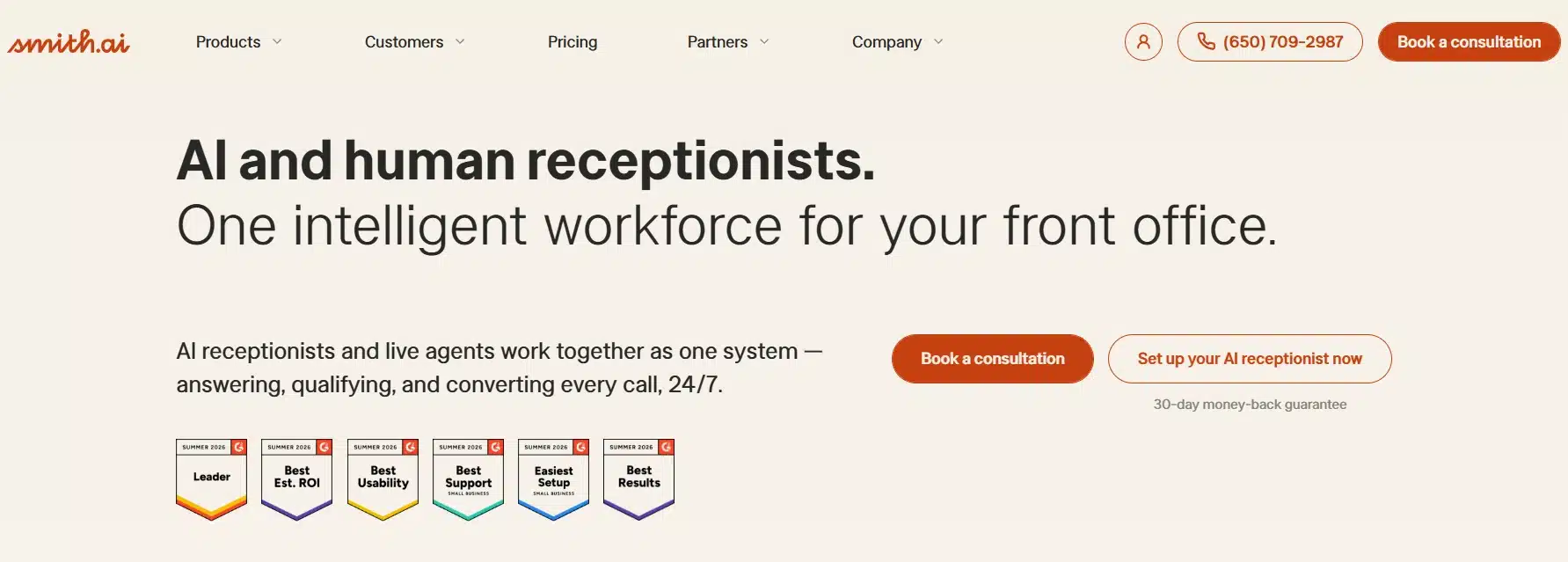
Smith.ai's AI Receptionist is a virtual answering service for businesses that uses AI to handle inbound calls around the clock, qualify leads against your criteria, and escalate to a live, North America-based agent when a call needs a human touch. It has handled more than 25 million calls over a decade of operation, and currently answers over 400,000 calls a month for more than 5,000 businesses.
Unlike a flat monthly SaaS subscription, Smith.ai's AI Receptionist runs on a usage-based model: each plan sets a monthly base fee and an included number of calls, and calls within that allotment are billed at a per-call rate that gets cheaper as you move up a tier. Here's the key thing: because pricing scales with call volume rather than staying flat, your real monthly bill is base fee plus usage, not just the number on the pricing page. Understanding that math up front is what separates an accurate budget from a surprise invoice.
Smith.ai Plans and What Each Tier Actually Costs
This is the section that matters most, so here's the full breakdown of what you get and what you pay at every tier.
| Plan | Price | Built for | Key inclusions |
|---|---|---|---|
| Free | $0/mo: 25 calls included, then $3.00/call | Testing the AI against real callers | Quality Studio, 24/7 AI call answering, call recording/transcription/summaries, lead qualification and routing, AI scheduling, native integrations, dashboard analytics |
| Pro | $150/mo: 75+ calls included, ~$2.00/call | Self-serve setup, real support behind it | Everything in Free, plus dedicated onboarding, live phone/email/chat support, custom SMS branding, month-to-month with no contract |
| Enterprise | from $500/mo: 300+ calls included, ~$1.67/call | Businesses that want it fully built and run | Everything in Pro, plus full-service setup and optimization, custom AI prompting, unlimited integrations, multi-location support, dedicated success manager |
The Smith.ai Free pricing plan exists specifically so you can test the AI against your actual callers, not a demo script, before spending anything. Set up takes about 15 minutes, and a card is required at signup but is never charged unless you explicitly turn overages on. Overages are off by default: you decide if and when to allow charges beyond your 25 included calls, and you can switch that off again at any time.
For businesses with high, steady call volume, Smith.ai also offers a 6-month plan with rollover calls and a lower effective per-call rate than month-to-month Enterprise, and fully custom plans built around your specific call volume and workflows.
Included on every plan, including Free
A number of features are not gated behind a paid tier at all. Every plan, free or paid, includes:
- Spam and robocall screening: Filtering out over 20 million known numbers before they ever reach your AI Receptionist
- A dedicated phone number
- Bilingual call handling in English and Spanish
- A choice of 12+ natural AI voices
- Self-healing FAQs, where knowledge gaps the AI discovers get surfaced and fixed automatically
- No setup fees, on any tier
Optional: live agent involvement
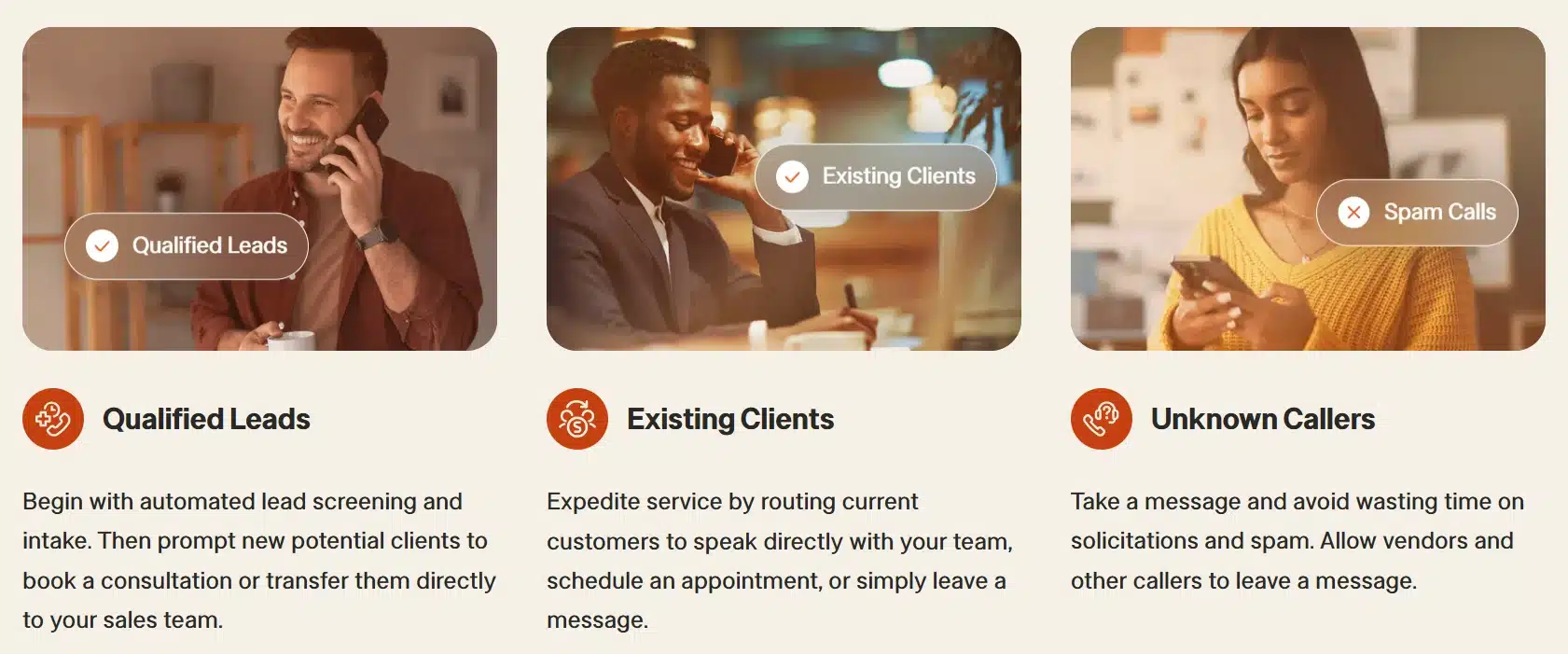
Even on AI-first plans, you're not limited to AI alone. Smith.ai's live, North America-based receptionists are available as a per-call add-on on any AI Receptionist plan, for the specific call scenarios where you want a human to step in, such as verifying information or handling a scheduling exception. If the AI itself initiates the escalation to a human, there's no extra fee. If you choose to route certain calls to a live agent as a matter of policy, that's billed per call as an add-on.
See Smith.ai plans and pricing →
How Much Does Each Call Really Cost as You Scale?
Notice that Pro and Enterprise are both listed with a per-call rate, not a flat number, and that's where the real savings show up. Pro's rate sits around $2.00 per call at its included volume; Enterprise's sits around $1.67. In practice, this means the more consistently you use Smith.ai's per-call pricing, the better your effective cost per call becomes, since you're spreading a fixed base fee across more calls.
What's Included Before You Pay More
A common frustration with usage-based call answering services is discovering that features you assumed were bundled, like scheduling, live support, spam blocking, or bilingual coverage, are actually separate line items. Smith.ai's structure is built to avoid that:
- Spam and robocall blocking is included from the Free tier, not gated behind a paid plan, and blocked calls don't count against your quota
- Lead qualification, call routing, recording, and transcription are included from day one
- AI scheduling is included even on the Free plan
- Bilingual (English/Spanish) handling is included on every tier at no extra cost
- Native integrations with Clio, Zapier, and more come standard, and Enterprise adds unlimited custom integrations rather than charging per connection
- No setup fees, on any plan, and no contract on Pro
The one place cost can genuinely add up is overage: calls beyond your included volume are billed at your tier's per-call rate, and if you opt into live agent involvement for specific calls, that's billed per call as well. Both are normal features of usage-based pricing, not hidden fees, and both are things you control directly rather than discover after the fact.
Smith.ai vs. Hiring a Receptionist: Which Costs Less?
To put this pricing in context, it helps to compare it to the alternative most businesses are actually weighing: hiring someone. According to the Bureau of Labor Statistics, the median annual wage for a receptionist in the U.S. runs well into the $30,000s before benefits, payroll taxes, paid time off, or turnover costs are added.
Smith.ai's Enterprise tier, even at 300+ calls a month, starts at $500/month, or $6,000/year before usage, a fraction of one full-time salary. And unlike a single employee, it covers nights, weekends, and holidays at the same rate as a Tuesday afternoon, with no overtime pay, no sick days, and no coverage gaps when someone calls in. A business would need extremely high, sustained call volume before the usage-based math approaches what a full-time hire costs once benefits and around-the-clock coverage are factored in.
When Smith.ai's Usage-Based Pricing Works in Your Favor
The per-call model creates a dynamic worth being upfront about: your bill moves with your call volume, which can feel less predictable than a flat-rate subscription if that's what you're used to. But it cuts both ways. A slow month costs less. A business that isn't ready to commit to a large fixed subscription can start on the Smith.ai Free tier and scale spending in step with actual demand, rather than pre-paying for capacity that might sit unused.
The businesses that get the most value from this structure are the ones that map their real monthly call count to the tier that fits it, rather than guessing. If you don't yet know your volume, the Free tier's 25 included calls, tested against real callers rather than a demo script, are enough to find that number out before you commit to anything paid.
What to Check Before You Choose an AI Receptionist
Not every AI answering service is priced or built the same way. When you're comparing Smith.ai against other options, these are the criteria that actually predict your total cost and experience:
- Is there a real free tier, or just a trial? A time-limited trial forces a decision before you know your real call volume. A free-forever tier with genuine usage, like Smith.ai's 25 calls/month, lets you find that number first
- Does the per-call rate improve with volume? Flat per-unit pricing punishes growth. A tiered rate that drops as you scale rewards it
- Is there a human escalation path? Pure AI-only tools can strand a caller on a complex issue. A built-in handoff to a live agent, available on every Smith.ai plan, closes that gap
- What's bundled versus sold separately? Scheduling, spam blocking, bilingual support, and integrations that are included rather than metered separately make your monthly cost far more predictable
- Is there a contract, or can you leave if it's not working? No setup fees and no contract on self-serve plans, like Smith.ai's Pro tier, limit your downside if your needs change
Is Smith.ai Worth It?
Smith.ai receptionist service is worth strong consideration for any business that wants professional, 24/7 call handling without hiring staff or committing to a large fixed cost before knowing if the service fits. The Free tier removes the risk of testing it against real calls. The per-call model means you're not paying for capacity you don't use. And the no-contract Pro plan means you're not locked into a rate that stops making sense.
Key Takeaways
- Free to test, cheap to start: 25 real calls a month at no cost, tested against actual callers, with a clear upgrade path once volume justifies it
- Pricing scales with actual usage: you pay per call, not for a flat block of capacity you may not need
- Per-call rate improves as you grow: more consistent usage means a better effective rate, not a higher bill for the same reason
- Meaningfully cheaper than hiring: even the Enterprise tier undercuts the fully loaded cost of one in-house hire, while adding 24/7 coverage a single employee can't match
- Nothing hidden: spam blocking, bilingual support, scheduling, and core integrations are included at every tier, not sold as add-ons
Frequently Asked Questions
1. How much does Smith.ai's AI Receptionist cost per month?
It depends on your call volume. Free covers 25 calls/month at no cost. Pro starts at $150/month for 75+ calls at around $2.00 per call. Enterprise starts at $500/month for 300+ calls at around $1.67 per call.
2. Does the per-call rate stay fixed, or does it change with volume?
Higher tiers carry a lower effective per-call rate than lower tiers, so more consistent, higher-volume usage costs less per call.
3. What happens if I go over my plan's included call volume?
On the Free plan, overage is $3.00/call, and it's off by default until you choose to turn it on. On Pro and Enterprise, additional calls are billed at the plan's per-call rate.
4. Is Smith.ai cheaper than hiring an in-house receptionist?
In nearly every case, yes. Even the top Enterprise tier starts well below the fully loaded annual cost of one full-time hire, and it adds 24/7 coverage no single employee can provide alone.
5. Can I try Smith.ai before paying anything?
Yes. The Smith.ai Free plan includes 25 real calls a month with Quality Studio, 24/7 call handling, and lead qualification, enough to learn your real call volume before choosing a paid tier.
6. Do I have to sign a contract?
No. Self-serve plans are month-to-month with no contract, and you can cancel anytime.
7. What's the difference between Pro and Enterprise?
Pro is self-serve, with dedicated onboarding and live support behind it. Enterprise is fully built and run by Smith.ai's team, with custom AI prompting, unlimited integrations, multi-location support, and a dedicated success manager.
8. Are scheduling, spam blocking, and integrations extra, or included?
They're included. AI scheduling, spam and robocall blocking, bilingual handling, and native integrations with Clio, Zapier, and more come standard on every tier, including Free.
9. Can a human agent get involved if a call needs one?
Yes. Smith.ai's live, North America-based receptionists are available as a per-call add-on on any AI Receptionist plan. If the AI itself decides to escalate, there's no extra fee.
Ready to See What Smith.ai Would Actually Cost You?
Explore how Smith.ai's AI Receptionist can answer every call around the clock, and find the plan that actually matches your real call volume.
See Smith.ai plans and pricing →
(877) 522-7738
Blogs
How Enterprise Brands Manage Social Media at Scale
At enterprise scale, social media is an operations problem. Learn how large brands choose an operating model, secure accounts, match approvals to risk, scale customer care and measure results across every team.
Agency Referral Program: How to Earn Recurring Commission for Referring Clients to a Marketing Agency
An agency referral program pays you when a business you introduce becomes a client. See how these programs work, what fair recurring commission looks like, who earns the most and what a referral is worth, with real math.
Retiring Your Google LSA Management Retainer: How AI Agents Replace Agencies
For new clients, we’re retiring the monthly Google LSA retainer. A one-time $750 setup builds an AI agent that rates every charged lead, matches spend to capacity and reports weekly.
Franchise Social Media Marketing: How to Stay Consistent Across Locations
Franchise brands don’t need every location to post the same thing. Learn how to keep social media consistent across locations with clear account ownership, simple guidelines, content kits, compliance rules and per-location reporting.
Franchise PPC Marketing: How to Manage Ads Across Multiple Locations
Franchise PPC fails when locations compete with each other and nobody can see results per location. Learn how to set territories, budgets, brand-term rules, automation guardrails and call tracking across every location.
Recent Sales Notifications for Shopify: How to Show Customer Purchase Activity
Learn how to show recent sales notifications on Shopify. See what they are, why they build trust, how to set them up step by step, and best practices.
How to Claim Your Business on ChatGPT: Step-by-Step Guide
Learn how to claim your business on ChatGPT with this step-by-step guide to Business Hub, verification, Shopify setup, Business Agents, and insights.
Enterprise SEO: How Large Websites Can Scale Rankings Effectively
Large websites don’t win by fixing pages one at a time. Learn how enterprise SEO scales rankings through crawl control, template fixes, safe content scaling and AI search readiness.
How to Customize Sales Popups on Shopify to Match Your Brand
Learn how to customize sales popups on Shopify to match your brand, from colors, fonts, and position to message text, timing, and mobile testing.
How Shopify Sales Notifications Help Build Social Proof and Increase Sales
Learn how Shopify sales notifications build social proof, reduce shopper hesitation, and support sales, plus best practices and how to add them to your store.
Franchise SEO Challenges and How Multi-Location Brands Can Overcome Them
Franchise SEO is mostly a coordination problem. See the 10 challenges multi-location brands face, from duplicate location pages and listing drift to profile ownership and AI search, and how to fix each one at scale.
Google Ads Benchmarks 2026: What the Numbers Actually Mean for Your Account
Google Ads Search averages for 2026 are a 6.64% CTR, $5.42 CPC, 8.18% conversion rate and $66.69 cost per lead. Learn how to find your break-even CPL and which metric is holding your account back.
Best Shopify Sales Popup Apps to Boost Customer Trust and Conversions
Compare seven Shopify sales popup apps on features, customization, pricing, and ease of use, and learn how to pick one that builds trust without guesswork.
Franchise vs Enterprise Digital Marketing: Key Differences & Best Practices
Franchise and enterprise marketing both manage many locations under one brand, but they run on different rules. See who controls the budget, brand and data in each model, and the best practices that work for both.
How to Add a Shopify Sales Popup: Step-by-Step Guide
Learn how to add a Shopify sales popup in seven steps. Pick an app, set display rules, test on mobile, and track whether it works, with no coding needed.
Getting information about your case and your options is your FIRST move. Get a FREE case evaluation now…
Find Yourself a Marketing Expert Near You!
(877) 522-7738