
8 E-commerce PPC Mistakes That Quietly Waste Your Ad Spend (and How to Fix Them)
TL;DR:
- Most wasted e-commerce ad spend comes from a handful of repeat mistakes, not from “PPC not working.”
- Judge campaigns by profit, not by ROAS alone. A 4x ROAS can lose money on a 20% margin and make money on a 50% margin.
- If conversion tracking is wrong, every other decision is wrong. Google’s automation optimizes toward whatever you tell it counts as a sale.
- Your product feed is your targeting. In Shopping and Performance Max, titles, categories and images decide who sees your products.
- Separate brand from non-brand, or automation takes credit for customers who would have bought anyway.
- Check your account on a schedule. Search terms, feed errors, budgets and tracking should be reviewed weekly or monthly, not “when sales dip.”
If you sell products online, paid search and shopping ads are some of the fastest ways to reach people who are ready to buy. They are also easy to run badly. An account can look busy, with plenty of clicks and a respectable ROAS, while still losing money after product costs, shipping and returns.
This is an updated version of our guide to the most common e-commerce PPC mistakes. We kept the fundamentals from the original and added what matters most now that Google runs so much of the account through automation. If you want help auditing your own account, our team provides Google Ads management and broader PPC services for online stores.
Schedule a Free Strategy Call →
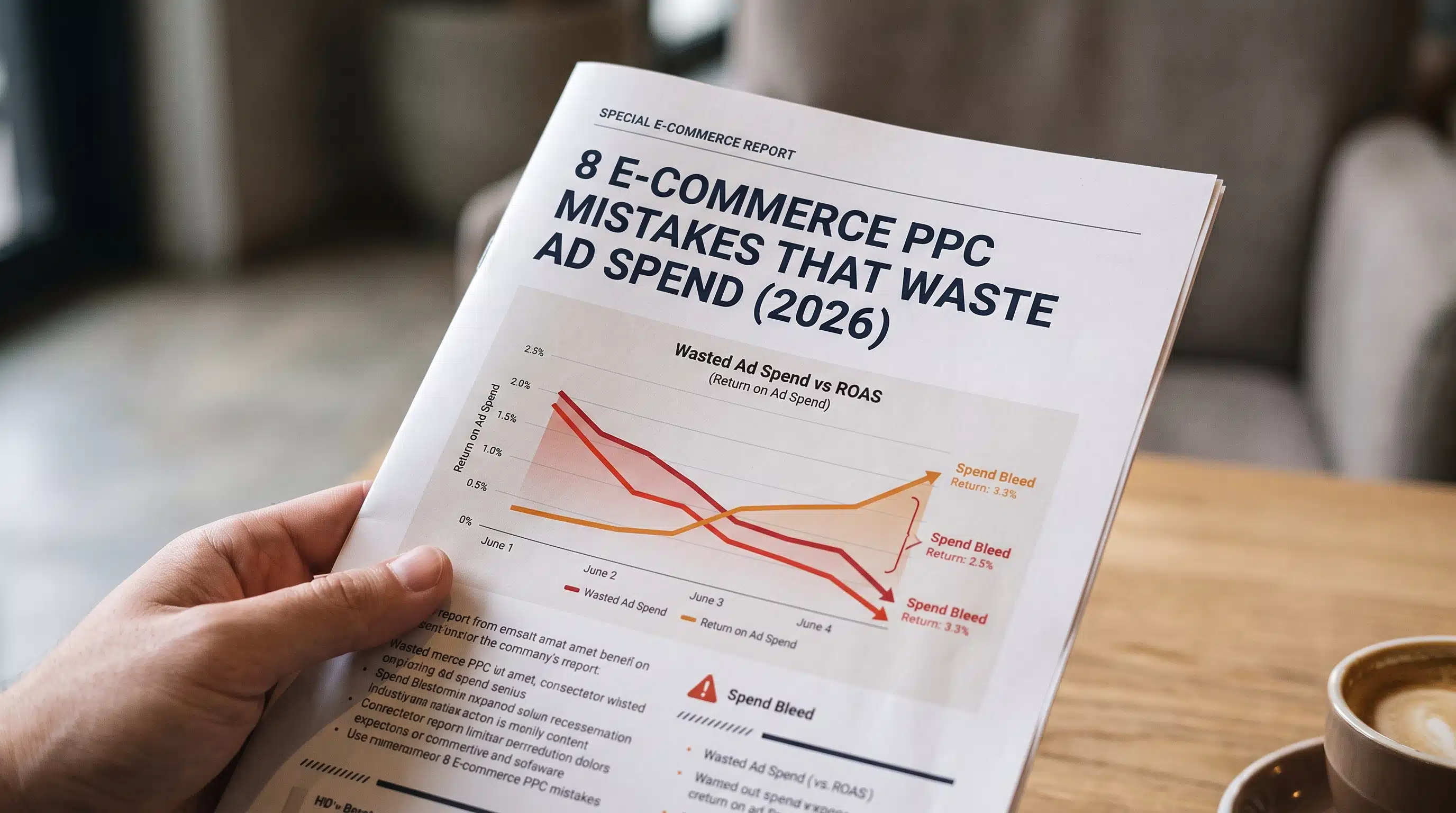
Mistake 1: Optimizing for ROAS Instead of Profit
Setting clear goals is still the right starting point. The mistake we see now is choosing the wrong goal. Return on ad spend (ROAS) tells you revenue per ad dollar. It does not tell you whether you made money. That depends on your margin.
The number to know is your break-even ROAS: 1 divided by your gross margin (after product cost, and ideally after shipping, payment fees and typical returns).
| Gross margin | Break-even ROAS | What a “4x ROAS” means |
|---|---|---|
| 20% | 5.0x | Losing money on every sale |
| 30% | 3.3x | Thin profit |
| 40% | 2.5x | Profitable |
| 50% | 2.0x | Very profitable, and probably room to spend more |
This is arithmetic, not an industry benchmark. Your own margin sets the target. Also consider new-customer cost versus lifetime value: a store with strong repeat purchases can accept a lower first-order ROAS than one that sells a single, one-time item.
For more on how much budget it takes to learn anything meaningful, see our guide on whether $10 a day is enough for Google Ads.
Mistake 2: Broken or Incomplete Conversion Tracking
Google’s automated bidding learns from the conversions you report. If it is counting the wrong events, or missing real ones, it will confidently optimize toward the wrong thing. Common problems:
- Counting the wrong action, such as add-to-cart or page views, as a conversion alongside purchases.
- Duplicate purchase tags that double-count revenue and make ROAS look better than it is.
- Not passing the real order value, so bidding can’t tell a $20 order from a $400 one.
- Missing enhanced conversions or consent handling, leaving sales out of your data.
- Mismatched numbers between Google Ads, GA4 and your store platform, with no one reconciling them.
Fix this before touching anything else. Our Google Analytics services cover measurement setup, and if you need to locate your conversion details, see how to find your conversion ID and label in Google Ads.
Mistake 3: Treating the Product Feed as an Afterthought
In Shopping and Performance Max, you don’t pick keywords for most placements. Google matches shoppers to products using your feed. That makes titles, descriptions, categories, GTINs, prices and images your targeting.
The feed problems that cost stores the most:
- Vague titles like “Classic Tee” instead of “Men’s Organic Cotton Crew Neck T-Shirt, Navy, Medium.”
- Missing or wrong GTIN, brand or category, which limits where products can show.
- Price or availability mismatches between the feed and the product page, which can disapprove items.
- Low-quality images that lose clicks to competitors in a crowded results grid.
- Everything in one bucket, so best-sellers and slow movers get the same treatment.
Our Google Shopping feed requirements guide walks through the fields that matter.
Mistake 4: Letting Brand Searches Inflate Your Results
If someone already searches your store’s name and clicks your ad, they were likely to buy anyway. When brand traffic is mixed into broad automated campaigns, it can make performance look strong while adding little new business.
What to do:
- Report brand and non-brand separately. Look at non-brand ROAS to see how well you win new demand.
- Use brand exclusions and negative keyword controls where your campaign type supports them, and run a dedicated brand campaign if you want to defend the brand term.
- Check new-customer reporting where available to see how much revenue comes from people who haven’t bought before.
The same thinking applies to Google’s newer search automation. Our guide to AI Max for Search campaigns explains what to watch before turning it on.
Mistake 5: Ignoring Search Terms and Negative Keywords
Our original guide covered long-tail keywords and negatives, and both still matter, but the way you use them has changed. With broad match, Performance Max and AI-driven matching, Google decides more of the queries your ads show for. Your job is to review what it chose and steer it.
- Review search terms regularly. Look for “free,” “used,” “repair,” job-seeker terms, competitor-only searches and unrelated product categories.
- Add negatives at the right level: campaign, ad group or account, depending on how widely the term should be blocked.
- Keep specific, higher-intent queries visible. Longer, specific searches such as a product type plus a material, size or use case often convert better and cost less than broad head terms.
- Be careful with blanket negatives. A luxury seller might exclude “cheap,” but a store that offers sales may want to show for “discount.”
Want a second set of eyes on your store’s ad account?
We’ll review your conversion tracking, feed, campaign structure and search terms, and show you where spend is leaking and what to fix first.
Mistake 6: Sending Traffic to Weak Product Pages
Good ads cannot rescue a page that does not convert. Relevance still matters, as it did in the original version of this guide, but for e-commerce the key tests are practical:
- The page matches the ad. Shoppers who click a specific product should land on it, not the homepage or a broad category.
- Mobile speed and usability. Slow images, popups that block content, and clunky checkout lose buyers.
- Trust signals. Visible reviews, clear shipping and return policies, and recognizable payment options.
- Clear price, stock and delivery information above the fold.
Improving the page lifts results from every channel at once. See our conversion rate optimization service for how we approach it.
Mistake 7: Chasing New Customers and Forgetting Existing Ones
Acquiring a customer is expensive. Many stores spend heavily on first purchases and do little with the people who have already bought or abandoned a cart.
- Remarketing to cart abandoners and product viewers, with creative that reflects what they looked at.
- Customer lists for upsell, replenishment and loyalty offers.
- Exclusions so you are not paying to acquire people who are already customers.
Repeat purchases raise customer lifetime value, which in turn lets you bid more confidently on first-time buyers.
Mistake 8: Set-and-Forget Management
Automation reduces manual work, but it does not remove the need to manage. Accounts drift: feeds break, prices change, products go out of stock, tracking tags get removed during site updates, and budgets stay on campaigns that stopped performing.
| How often | What to check |
|---|---|
| Weekly | Spend vs. budget, disapproved products, search terms, conversion volume, anything that suddenly changed |
| Monthly | Profit-based ROAS by campaign, brand vs. non-brand, new vs. returning customers, product-level winners and losers, ad and creative tests |
| Quarterly | Campaign structure, margin changes, seasonality plan, landing page tests, tracking audit |
Quick Self-Audit Checklist
- Do I know my break-even ROAS, and are campaigns judged against it?
- Do my Google Ads, GA4 and store revenue numbers roughly agree?
- Are purchases the main conversion, with real order values passed through?
- Are product titles specific, and are feed errors at or near zero?
- Can I see brand and non-brand performance separately?
- When did someone last review search terms and add negatives?
- Do top product pages load fast on mobile and show reviews and policies?
- Am I running remarketing and excluding existing customers from acquisition?
If you answered “no” or “not sure” to several of these, there is probably recoverable budget in your account. Not sure where to begin? Our PPC team can run through it with you.
Key Takeaways
- Judge campaigns by profit. Know your break-even ROAS before you set targets.
- Accurate conversion tracking comes first. Automation only works as well as the data it learns from.
- Your product feed is your targeting in Shopping and Performance Max, so invest in it.
- Separate brand from non-brand so you can see what is truly bringing in new customers.
- Review search terms and negatives on a schedule; automation chooses queries, you steer it.
- Send clicks to strong, matching product pages, and use remarketing to get more from every visit.
- Put weekly, monthly and quarterly checks on the calendar.
Frequently Asked Questions
What is the biggest PPC mistake e-commerce stores make?
Optimizing for ROAS without knowing their margin, often alongside inaccurate conversion tracking. Together they can make an unprofitable account look healthy.
What is a good ROAS for e-commerce?
There is no universal number. A good ROAS is one comfortably above your break-even ROAS, which is 1 divided by your gross margin. Higher-margin products can accept a lower ROAS and still be profitable.
Should I use Performance Max, Standard Shopping, or Search?
Many stores use a mix. Performance Max can scale reach across Google’s channels, Shopping and Search can give more control over specific products and queries, and brand search is often worth separating. The right structure depends on your catalog size, budget and data.
How do I stop wasting money on irrelevant searches?
Review search terms regularly, add negative keywords at the right level, use brand exclusions where available, and keep your product titles and categories specific so Google matches the right shoppers.
How often should I check my Google Ads account?
Quick checks weekly (spend, disapprovals, search terms, conversions) and a deeper review monthly (profit by campaign, brand vs. non-brand, product performance). Check tracking after any site change.
Why does my Google Ads revenue not match my store’s revenue?
Common causes include duplicate tags, attribution differences, missing consent-mode data, refunds not being reflected, and non-purchase events counted as conversions. A tracking audit usually finds the cause.
How long before e-commerce PPC campaigns perform?
Campaigns often need a few weeks of data to stabilize, especially with automated bidding and lower budgets. Judge results over a meaningful window and across enough conversions, not day to day.
Do I need an agency to manage e-commerce PPC?
Not always. Smaller stores can manage it in-house with discipline. An agency makes sense when your catalog, budget or complexity is growing and you want regular audits, feed work, testing and reporting tied to profit.
Ready to Stop Wasting Ad Spend?
We’ll audit your tracking, feed and campaign structure and give you a clear list of what to fix first. Book a free call to get started.
(877) 522-7738
Blogs
Enterprise SEO: How Large Websites Can Scale Rankings Effectively
Large websites don’t win by fixing pages one at a time. Learn how enterprise SEO scales rankings through crawl control, template fixes, safe content scaling and AI search readiness.
How to Customize Sales Popups on Shopify to Match Your Brand
Learn how to customize sales popups on Shopify to match your brand, from colors, fonts, and position to message text, timing, and mobile testing.
How Shopify Sales Notifications Help Build Social Proof and Increase Sales
Learn how Shopify sales notifications build social proof, reduce shopper hesitation, and support sales, plus best practices and how to add them to your store.
Franchise SEO Challenges and How Multi-Location Brands Can Overcome Them
Franchise SEO is mostly a coordination problem. See the 10 challenges multi-location brands face, from duplicate location pages and listing drift to profile ownership and AI search, and how to fix each one at scale.
Google Ads Benchmarks 2026: What the Numbers Actually Mean for Your Account
Google Ads Search averages for 2026 are a 6.64% CTR, $5.42 CPC, 8.18% conversion rate and $66.69 cost per lead. Learn how to find your break-even CPL and which metric is holding your account back.
Best Shopify Sales Popup Apps to Boost Customer Trust and Conversions
Compare seven Shopify sales popup apps on features, customization, pricing, and ease of use, and learn how to pick one that builds trust without guesswork.
Franchise vs Enterprise Digital Marketing: Key Differences & Best Practices
Franchise and enterprise marketing both manage many locations under one brand, but they run on different rules. See who controls the budget, brand and data in each model, and the best practices that work for both.
How to Add a Shopify Sales Popup: Step-by-Step Guide
Learn how to add a Shopify sales popup in seven steps. Pick an app, set display rules, test on mobile, and track whether it works, with no coding needed.
Google Partner Rewards Store Not Working? We Hit a Redirect Loop, and Here’s What to Do
Stuck in a Google Partner Rewards Store redirect loop? Discover the exact causes behind the login bug and practical troubleshooting steps to redeem your partner points.
GloriaFood Is Shutting Down: Your 7-Step Plan and a Replacement to Try
With Oracle discontinuing GloriaFood, restaurants must plan ahead: explore a 7-step migration blueprint, data export tips, and top online ordering replacements.
Best Shopify Image Optimization Apps: How to Choose the Right Tool for Your Store
Learn what to look for in a Shopify image optimization app, the main types of tools, how to compare apps fairly, and the mistakes to avoid when choosing the right one.
Shopify Image Optimization Checklist: What to Do Before and After Uploading Product Photos
Use this Shopify image optimization checklist to prepare product photos before you upload, finish the job after, avoid common mistakes, and handle large catalogs in bulk.
Beehiiv Newsletter Platform: Pricing, Features, and Monetization Tools
Explore the beehiiv newsletter platform to streamline your communication and engage with your audience effectively.
Shopify Core Web Vitals and Images: How to Find and Fix Image-Related Speed Issues
Learn how images affect Shopify Core Web Vitals, how to find image-related speed issues, the most common mistakes, and how to fix them, including for large product catalogs.
Shopify Fake Cart Bot Attack: What Stopped 500+ Fake Carts an Hour (and a Script We Can’t Rule Out)
A client’s Shopify store was hit with 500+ fake carts an hour, and captchas, rate limits and bot apps didn’t stop it. Here’s why the traffic bypassed our security, the one fix that worked, and a third-party script lead we’re still tracing.
Getting information about your case and your options is your FIRST move. Get a FREE case evaluation now…
Find Yourself a Marketing Expert Near You!
(877) 522-7738